





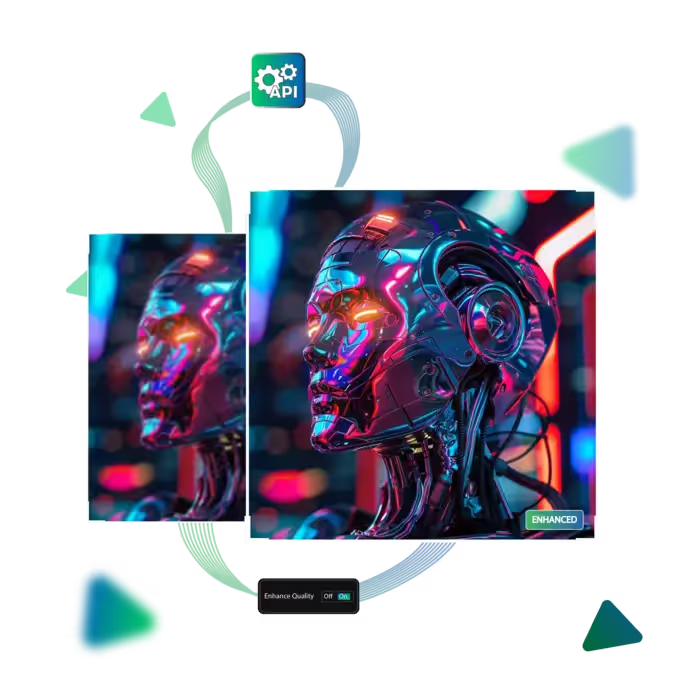
Upgrade your photo and get a clear image quality online for free
Experience the magic of AI-powered image improvement today!
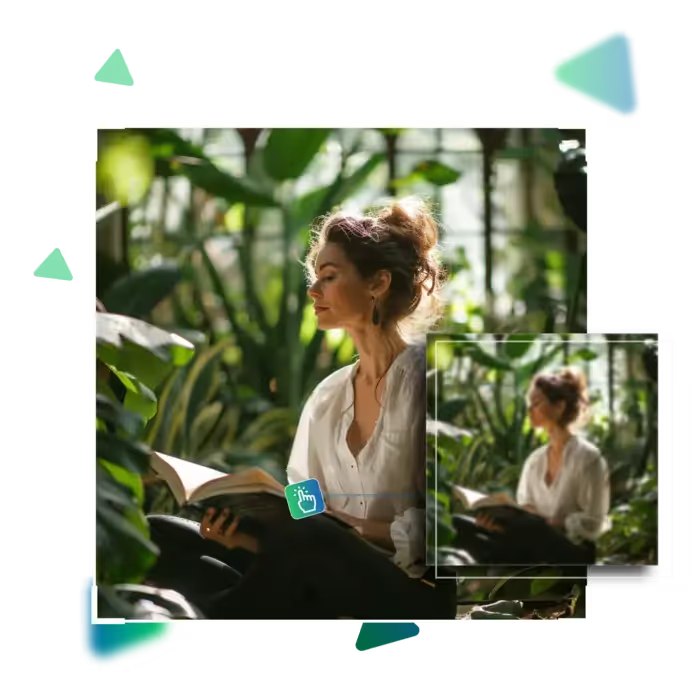
If you want crisp, high-quality images for free, now discover the best online tools to upscale, sharpen, and enhance your photos instantly; no software needed!
The first step is visiting the site.
Then upload your chosen photo.
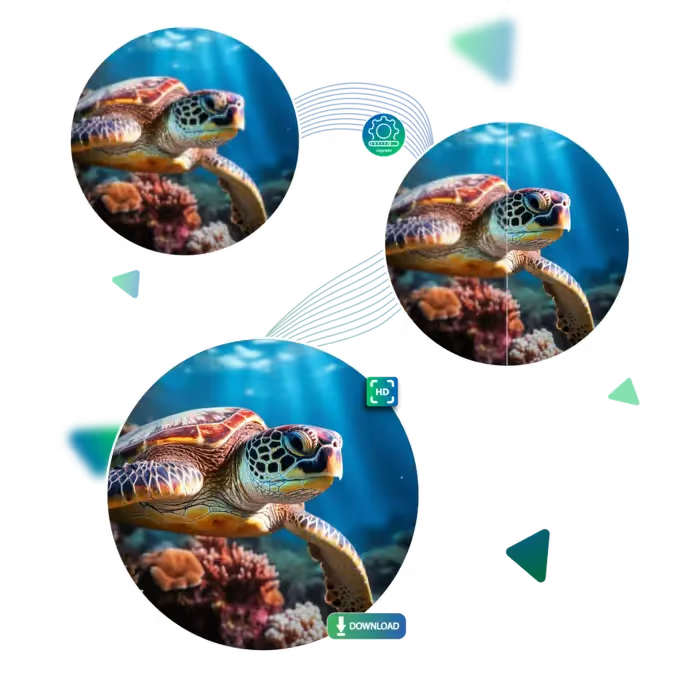
Let AI do its job and upscale the image.
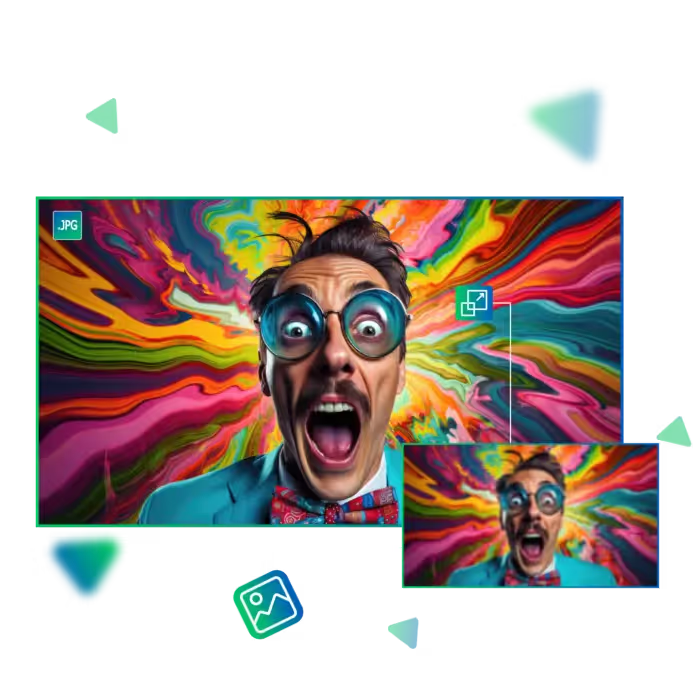
Then, if needed, choose an enlargement option up to 8x.
Preview your result.
Download your desired outcome to use it further.
Transform your photos with a single click; our tool automatically sharpens details and improves clarity without any complicated steps. This is perfect for quick social media posts or fixing old pictures; get professional-looking results in seconds.
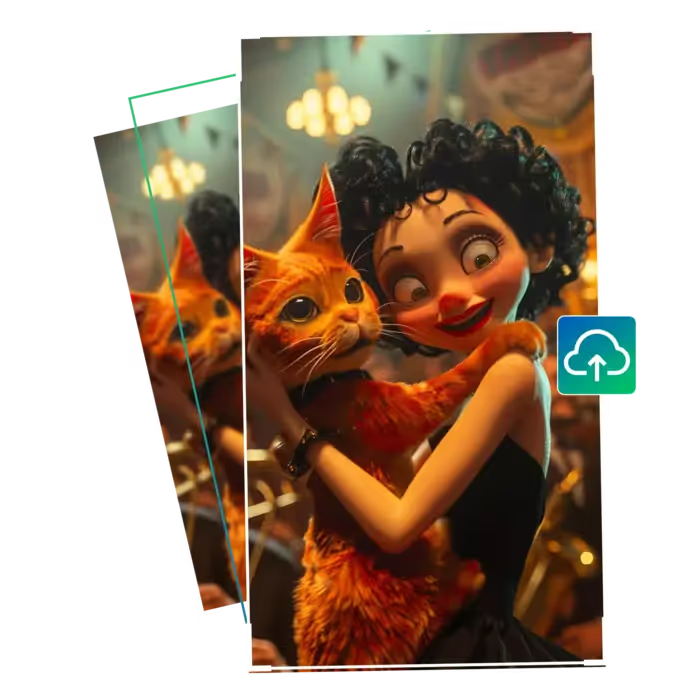
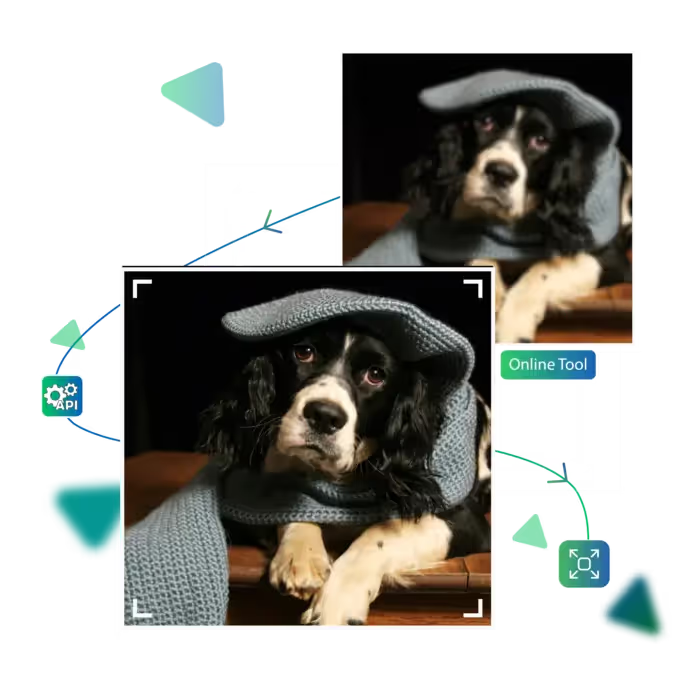
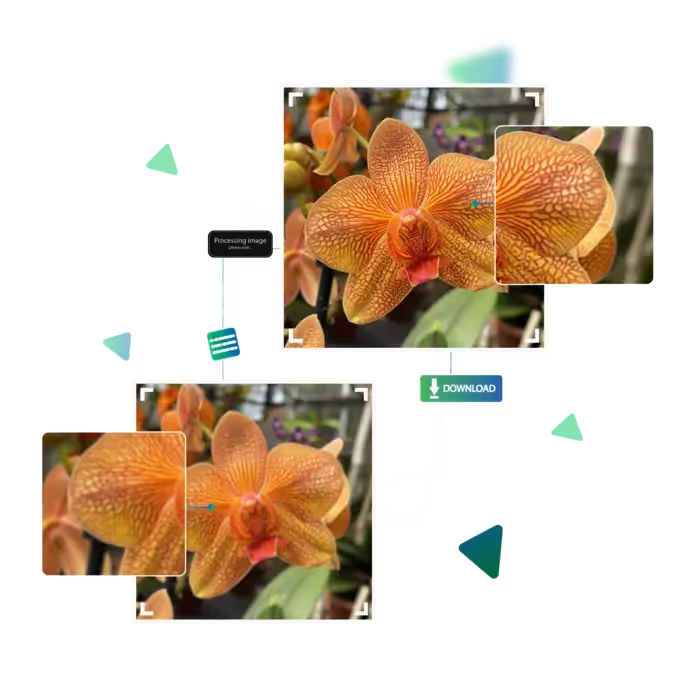
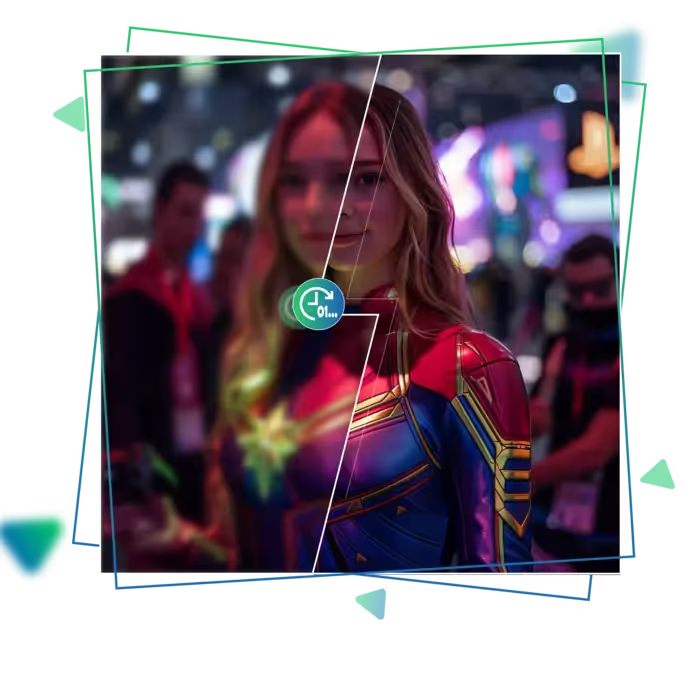
Compare the original and enhanced versions side by side before saving, and this visual comparison helps you see exactly what improvements were made, with no guessing needed; you'll see sharper details and better quality before downloading your final image.
Access our tool from smartphones, tablets, or computers with equal ease. There is nothing to install, just visit the website and start enhancing. Whether you're at home or on the go, your photo improvement tool is always available in your browser.
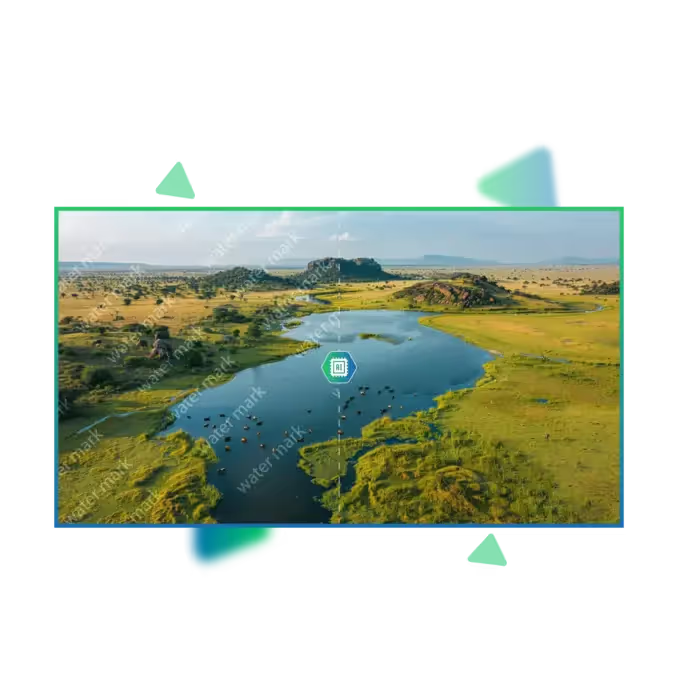
Upscale.media offers a free and easy way to instantly enhance your photos; no downloads, no watermarks, just clear, sharp results in seconds.
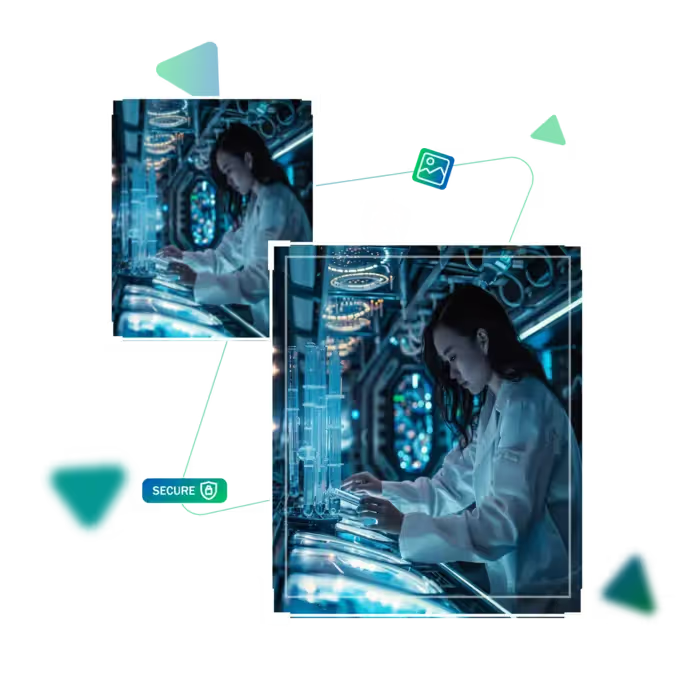
With a single click, turn drab, low-quality photos into crisp, colourful images; our AI automatically evaluates and improves every detail; simply upload, click, and download your photo in a matter of seconds.
Compare the original and improved versions immediately side by side to see how much clearer your image gets before saving it. This visual proof guarantees that you always get the best result possible without any surprises.
This free tool can be accessed from computers, tablets, or smartphones; no app needs to be installed, and the web-based platform functions flawlessly on all hardware and operating systems.
Experience the magic of AI-powered image improvement today!
Sanjay Choudhury
Riya Khanna
Aditya Kapoor
We’ve answered some of the most common questions about the Upscale.media API. If you don’t see your question here, feel free to reach out at support@pixelbin.io
What is Upscale.media API?
How can Upscale.media API be integrated into my website or app?
The API supports multiple programming languages such as React, Python, Golang, etc., and fits easily into most tech stacks. Integration is straightforward, with clear documentation to guide you through.
What kind of image transformations can be achieved with Upscale.media API?
How does Upscale.media API enhance online visual appeal?
How fast and accurate is the image upscaling with Upscale.media API?
Can Upscale.media API be used for creative design projects?
How does Upscale.media API improve digital content quality?
Is Upscale.media API adaptable for different image upscaling needs?
Can Upscale.media API be customized for specific needs?
What are the benefits of using Upscale.media API for different industries like e-commerce, marketing, and social media?